Details on requirements for filling agreement forms out
All forms are digitally signed by the system and by accepting the agreement document upon opening and reading it.
Required fields are identified with the ** proceeding the information label. We have made this more distinguished from non-required fields by changing the highlighted box.
Fields that are not required will be outlined with orange/yellow. This is highlighted to assist in visually the required non-required fields.

Forms are managed so items may become enabled upon filling out all the required information.
Example: If you are submitting an emailed agreement addendum. You must first fill out all required information before the "Agreement Terms" button becomes enabled. This is to help manage capturing all of your information and keeping it secured.
Acceptance checkboxes may also be disabled until the information filled out is securely validated. Upon validation, the checkbox may automatically be enabled and checked.
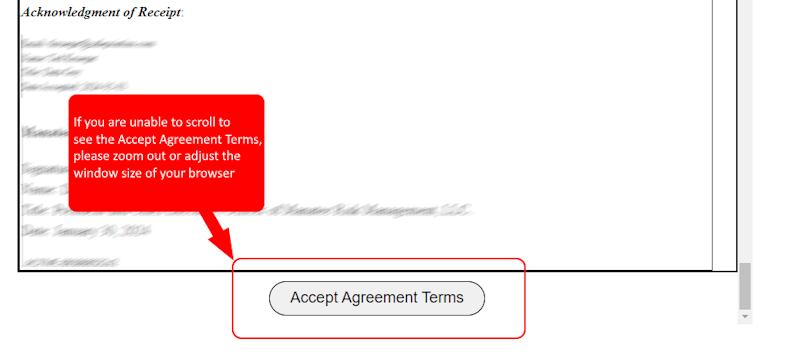
Screen resolutions and zoom settings may affect viewing the acceptance button on the agreement pages. This is common for large text size settings, high contrast or resolution settings, and high percentage zoom settings. If you are unable to see the acceptance button, please adjust the zoom setting, so you can zoom out and allow the page to be completely viewed